X100v Vintage Simulations
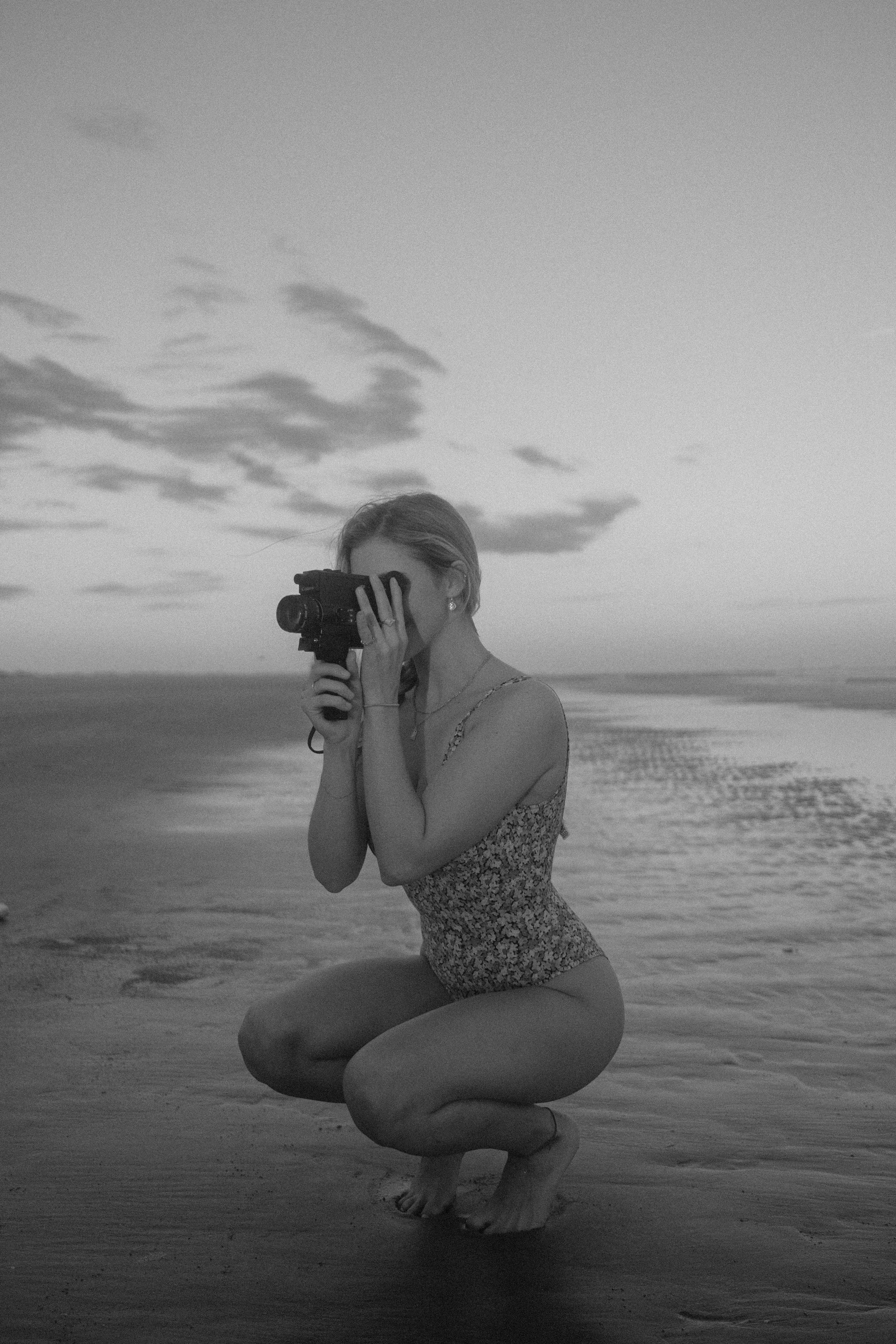
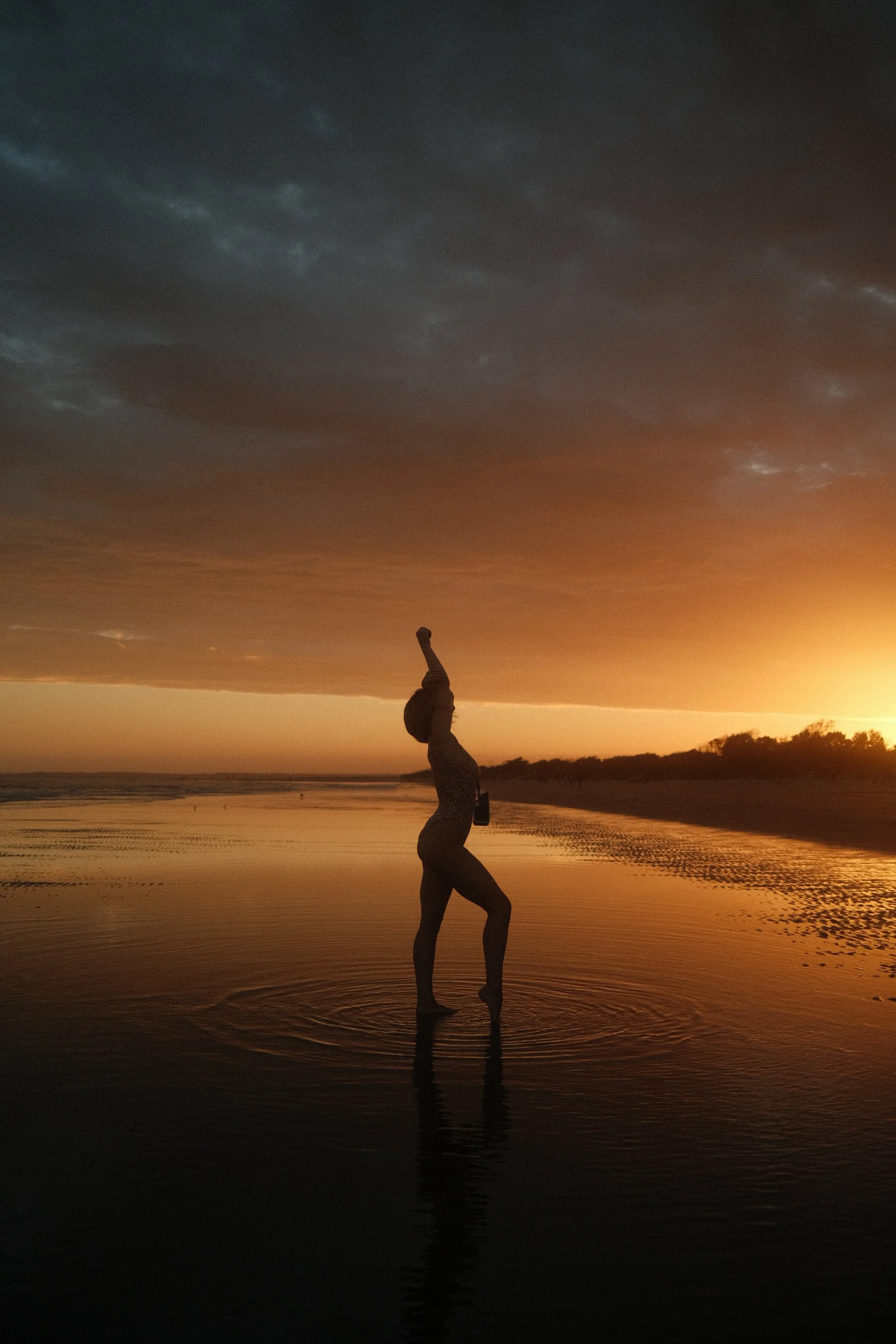
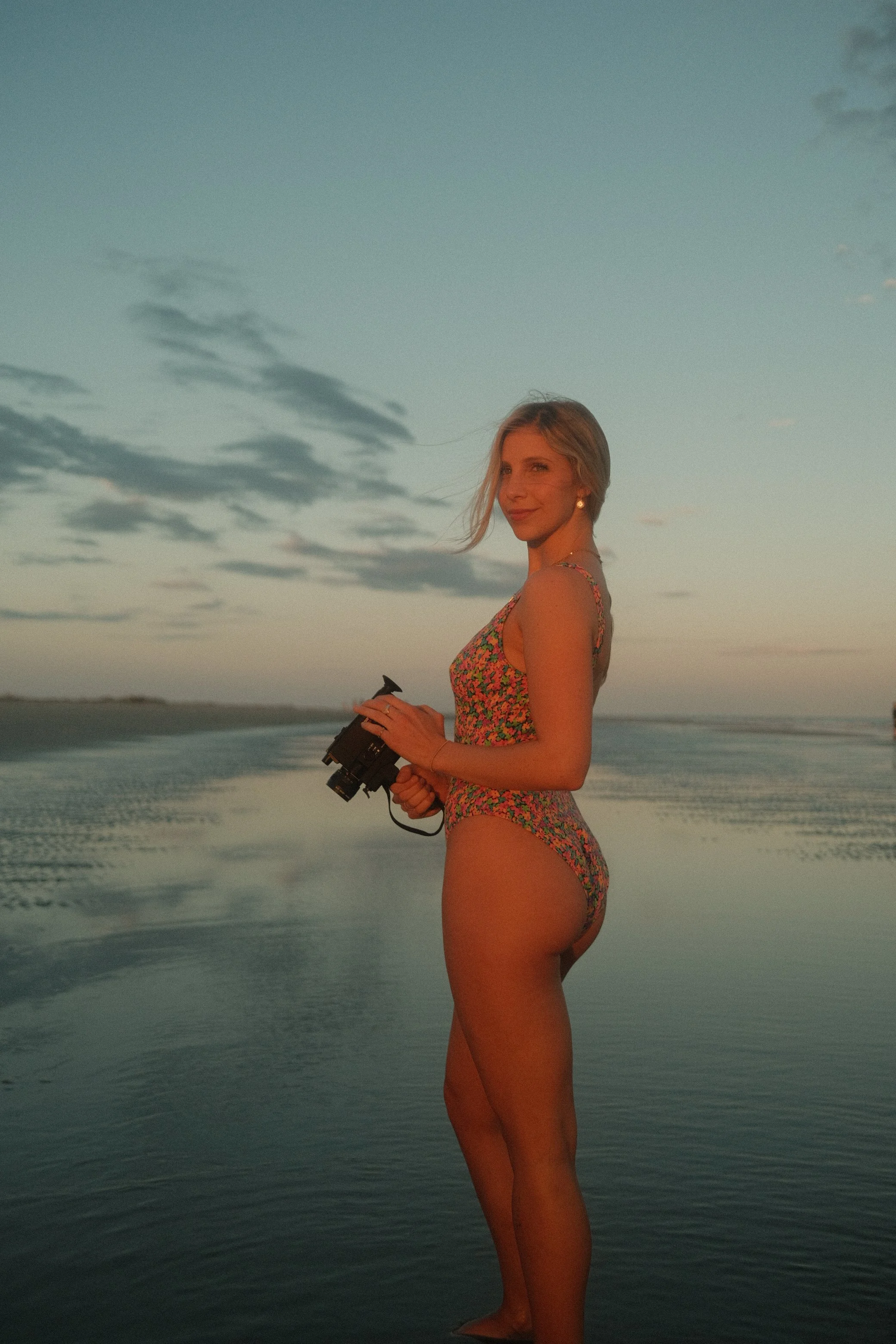
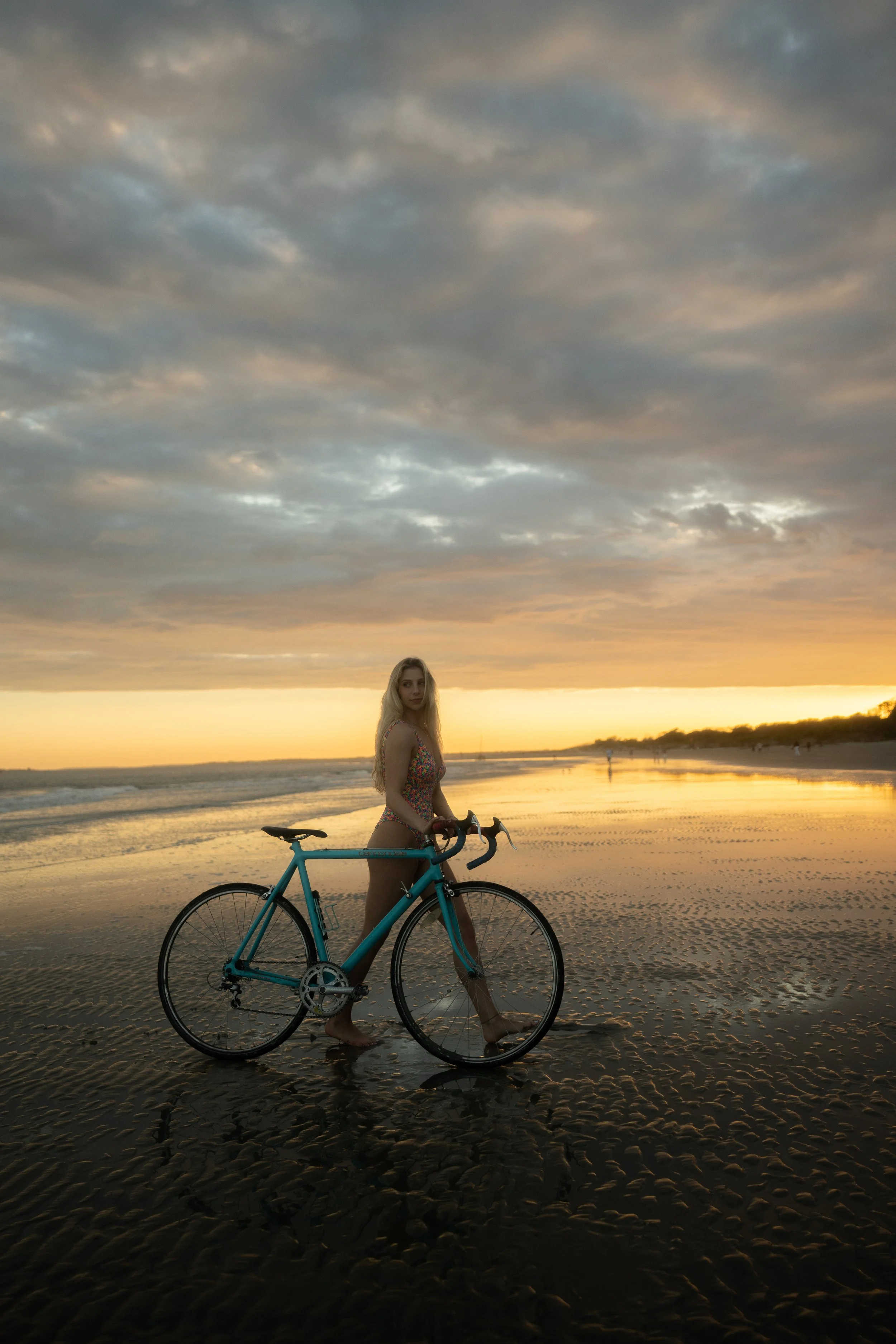
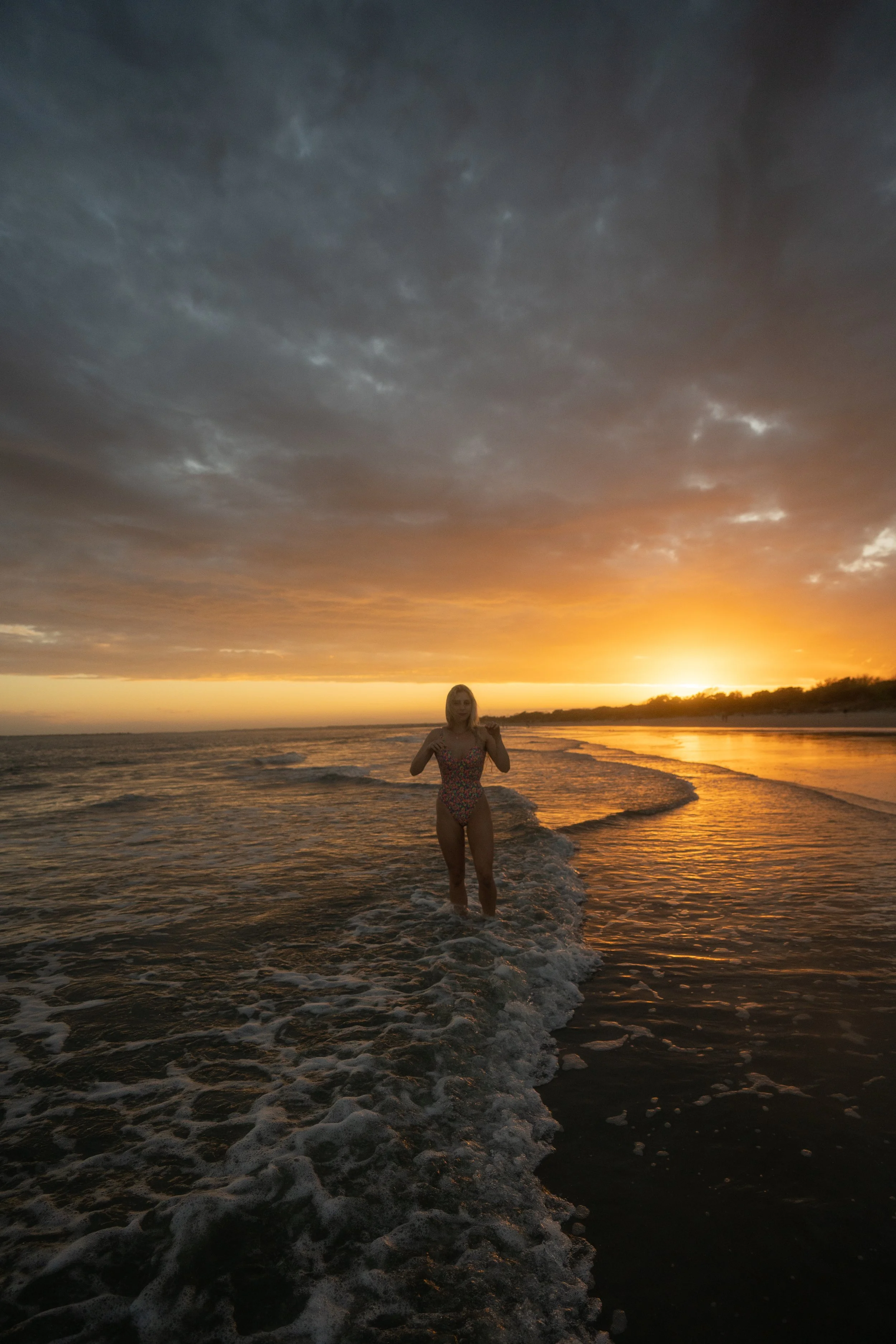
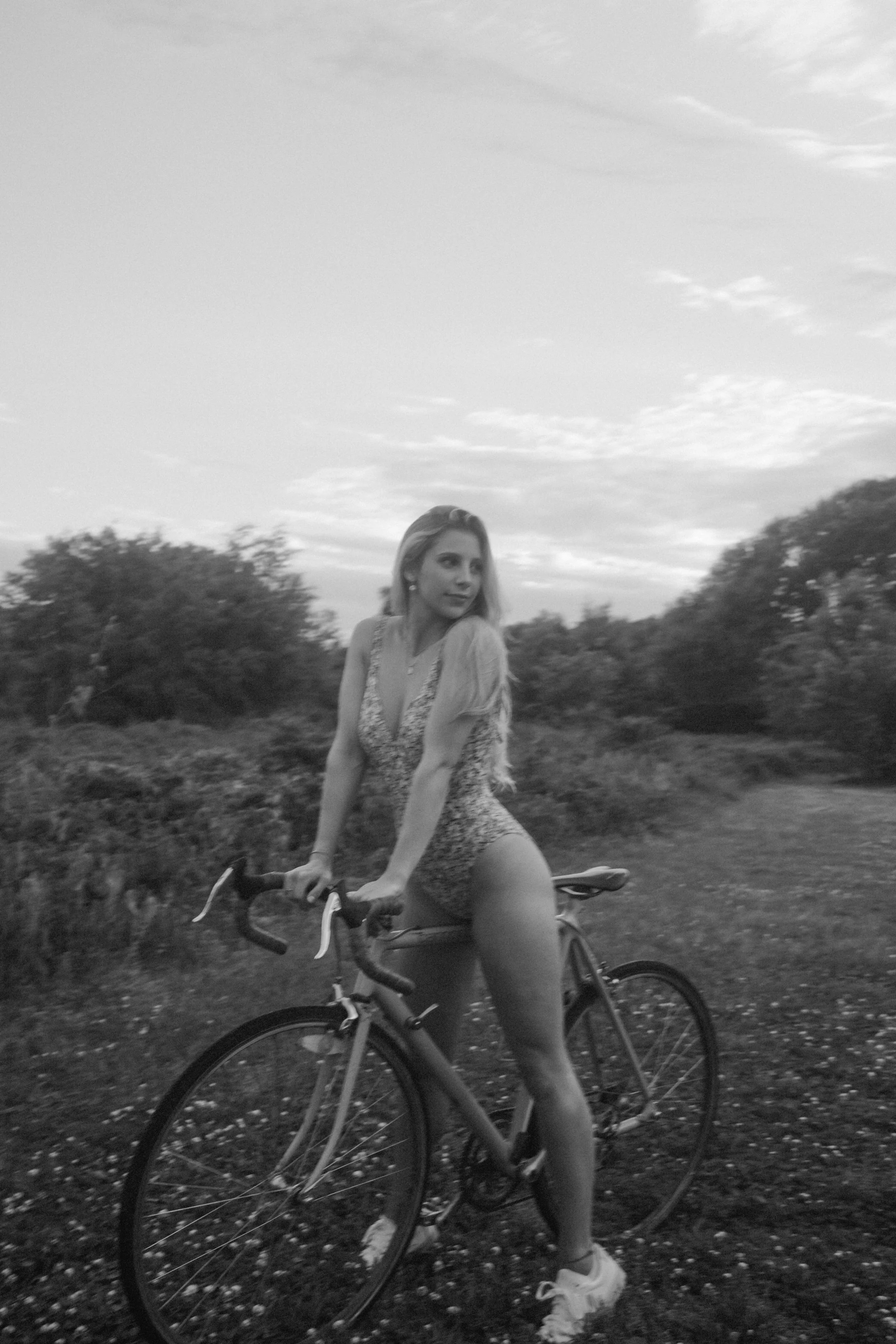
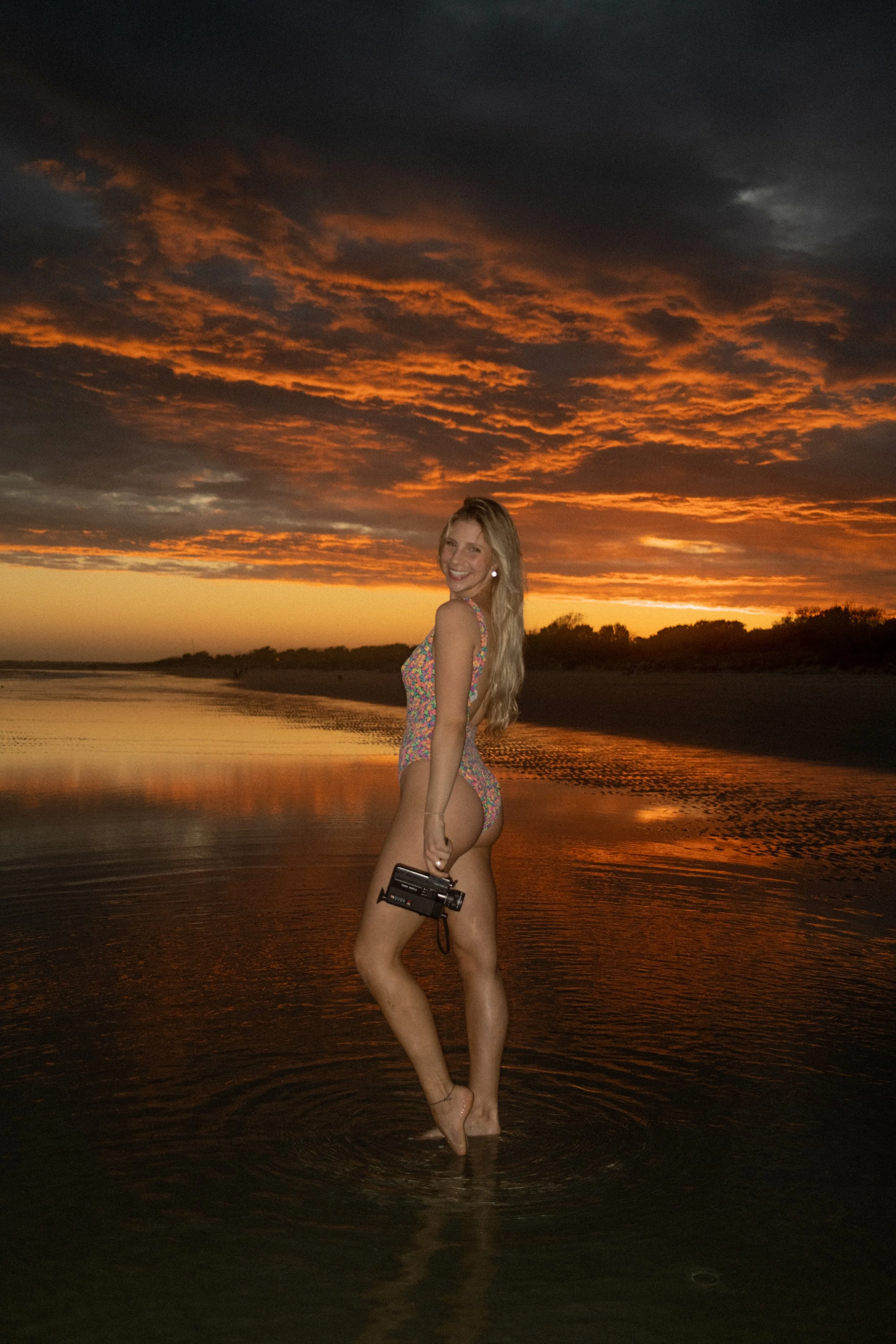
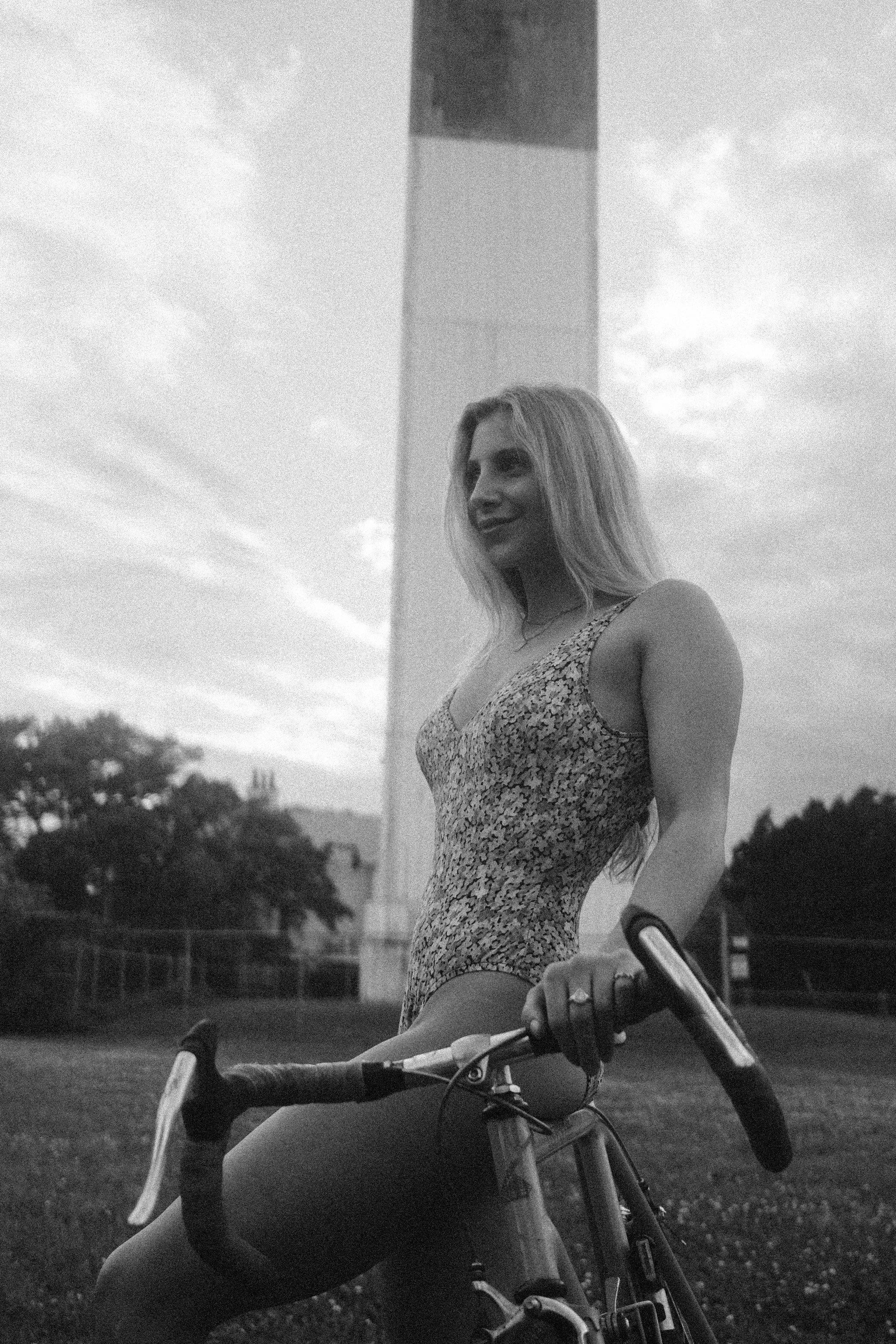
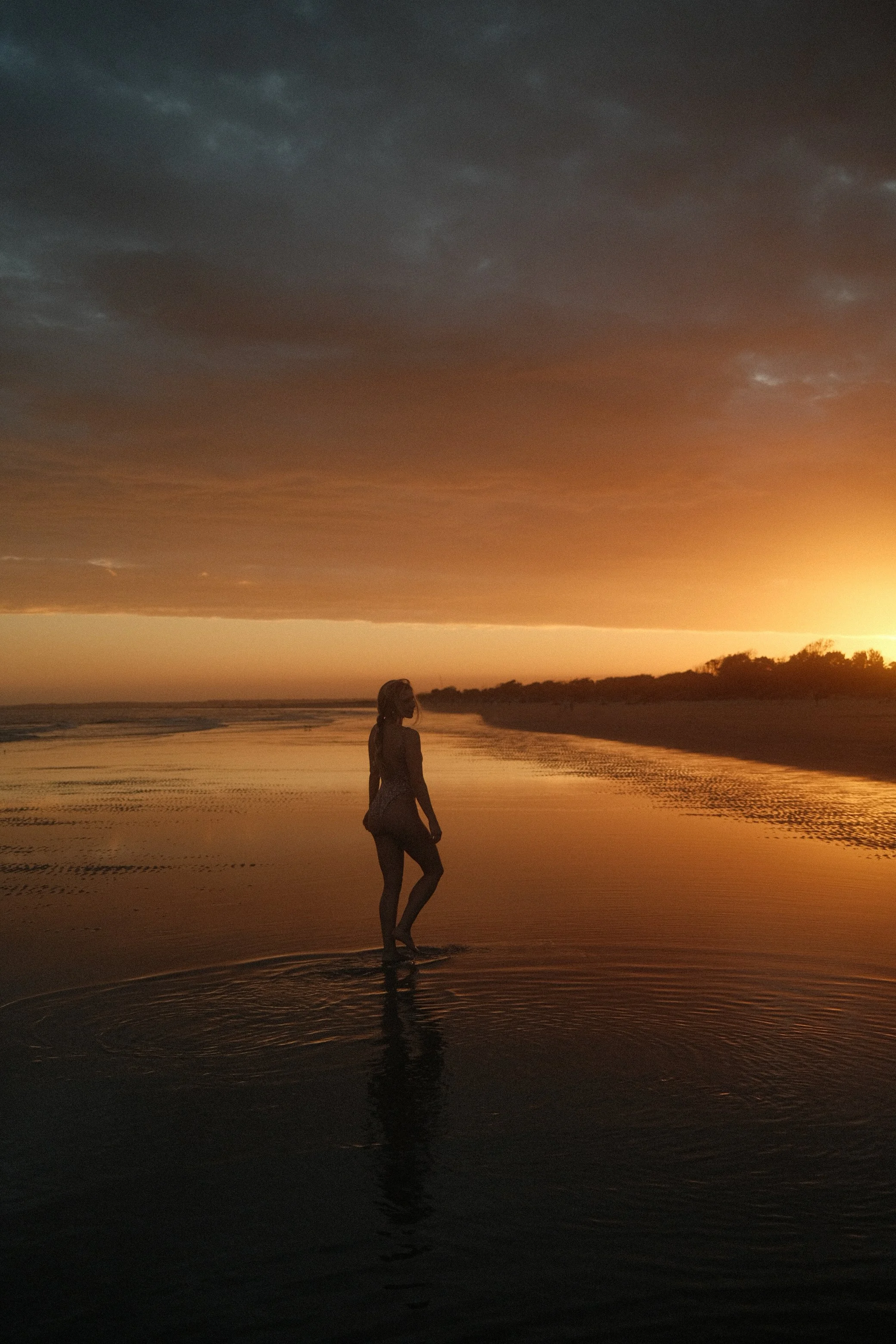
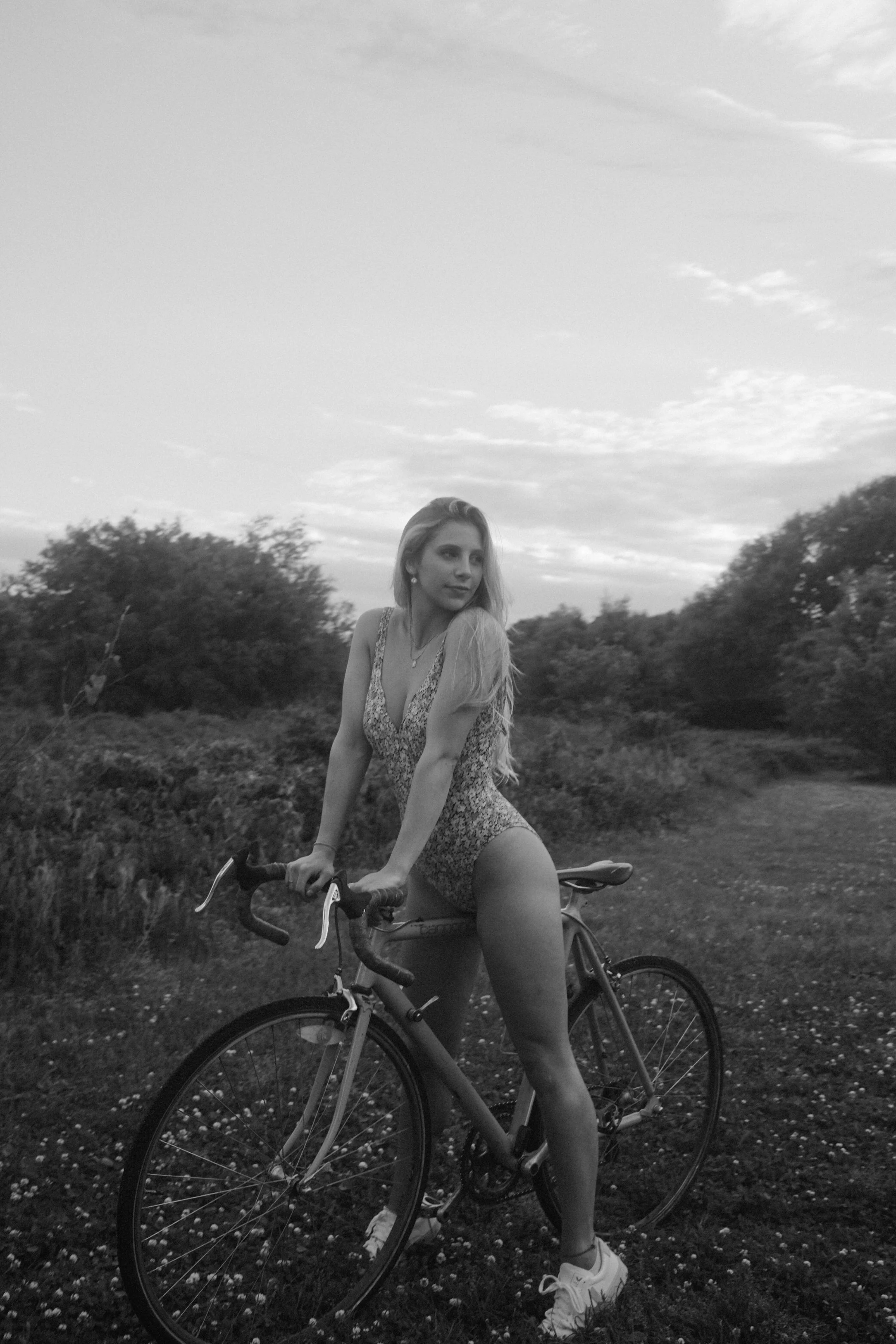
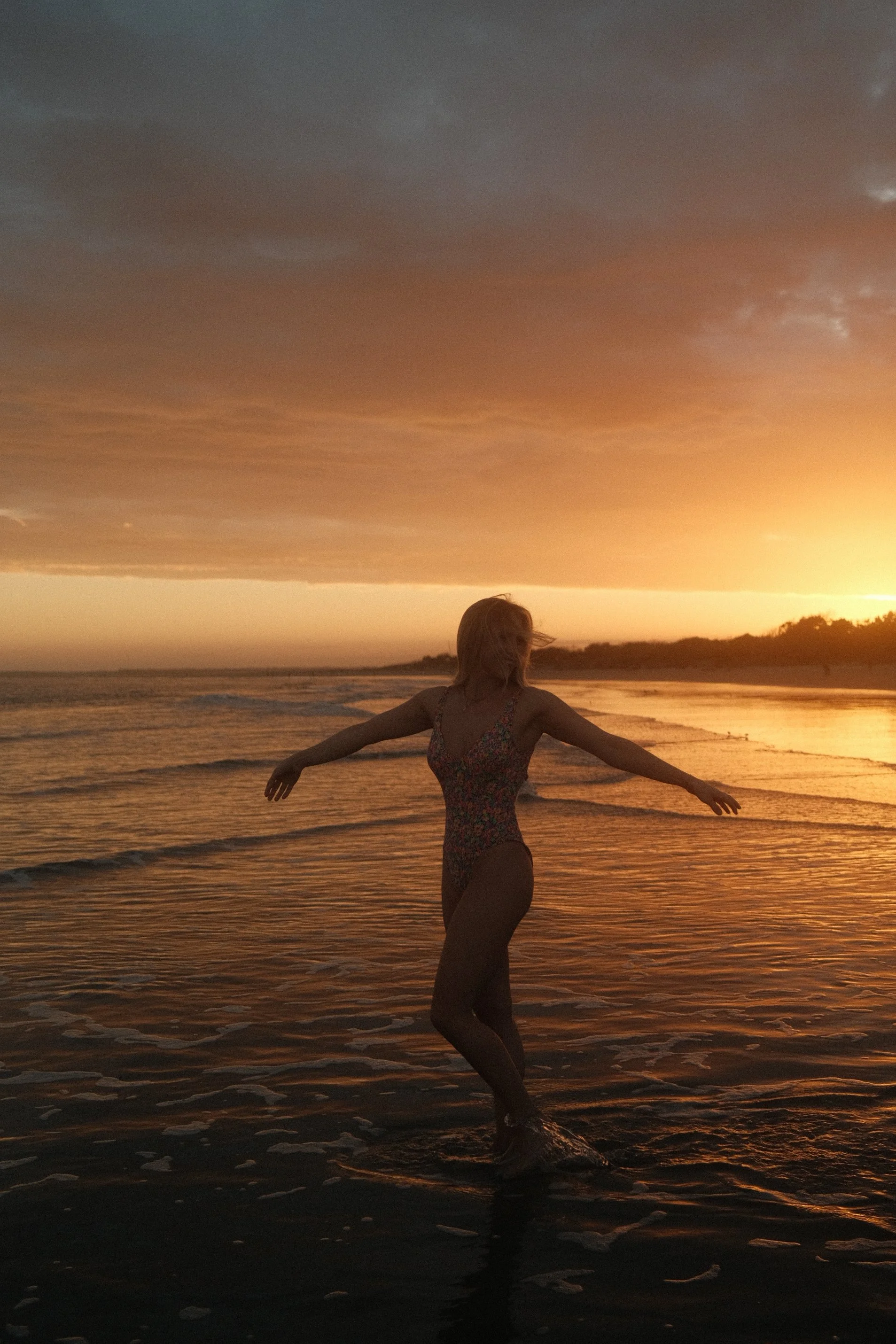
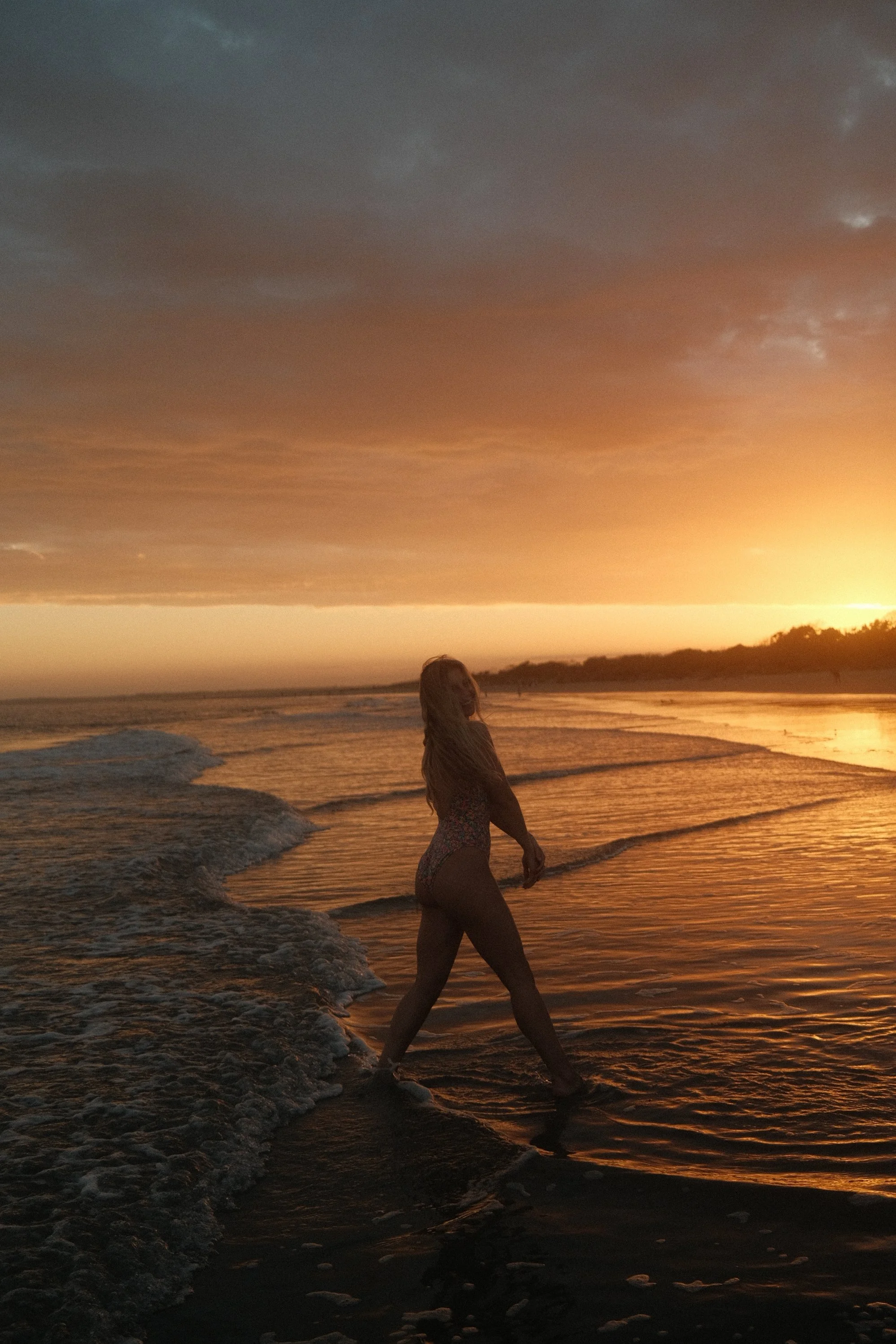
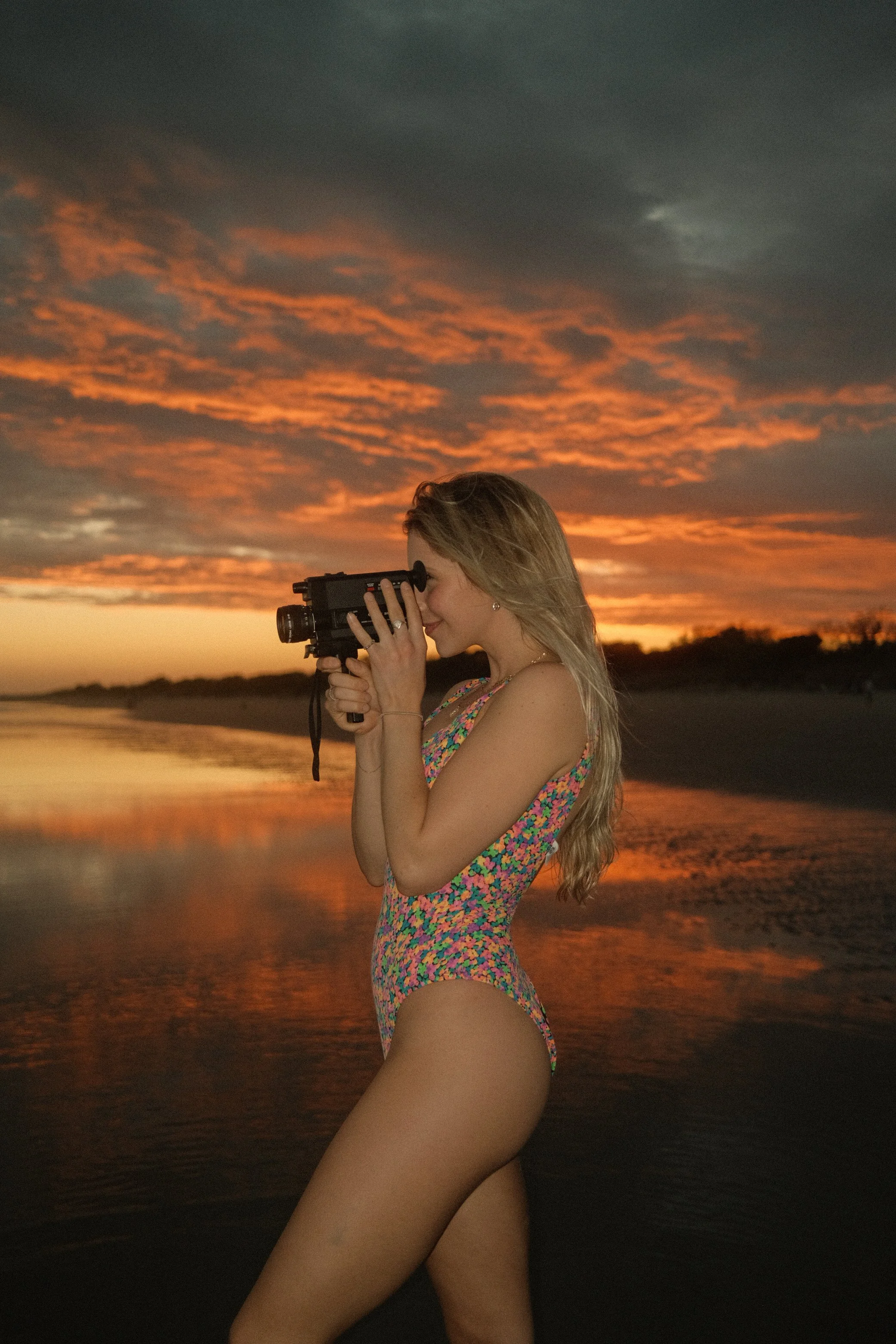
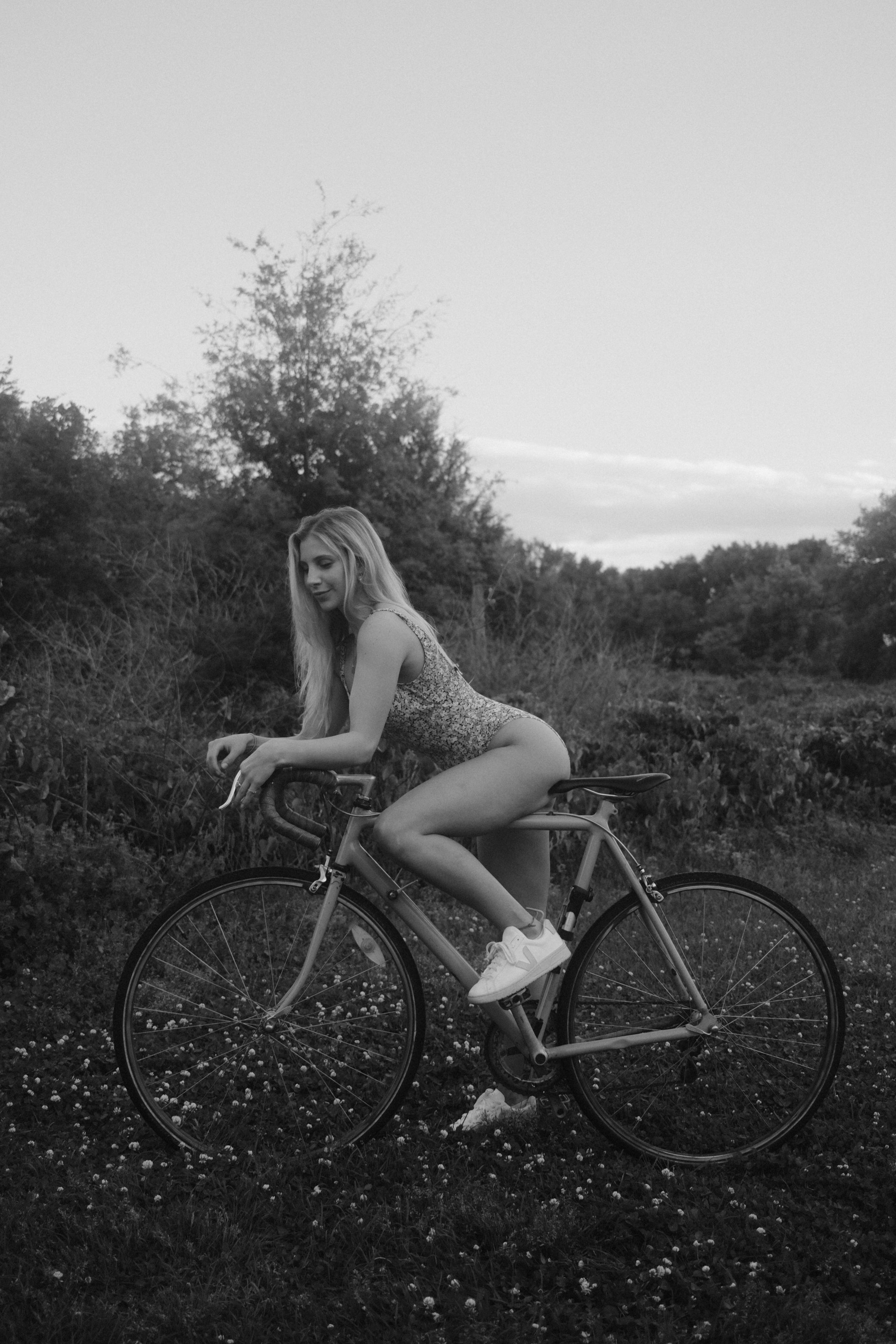
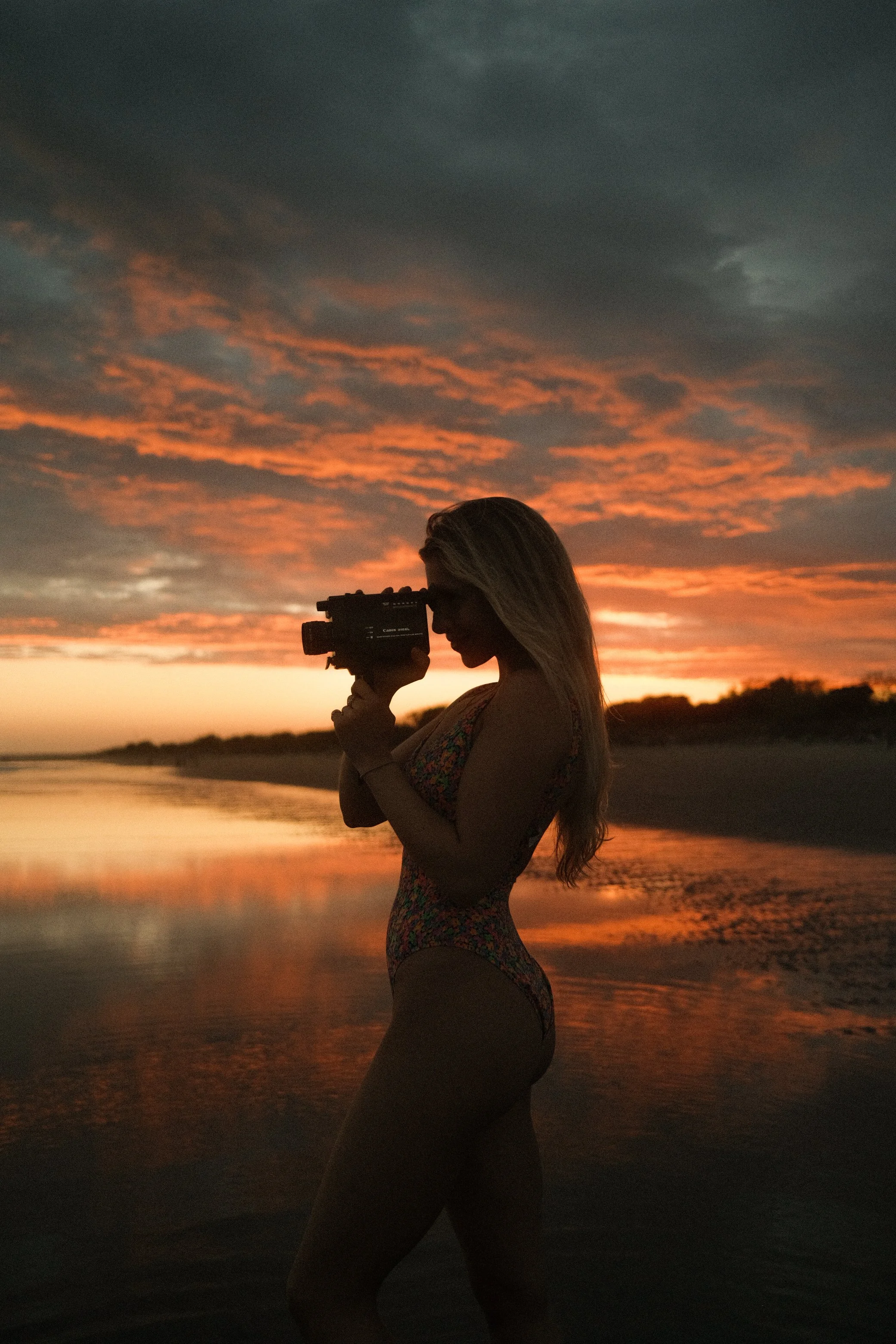
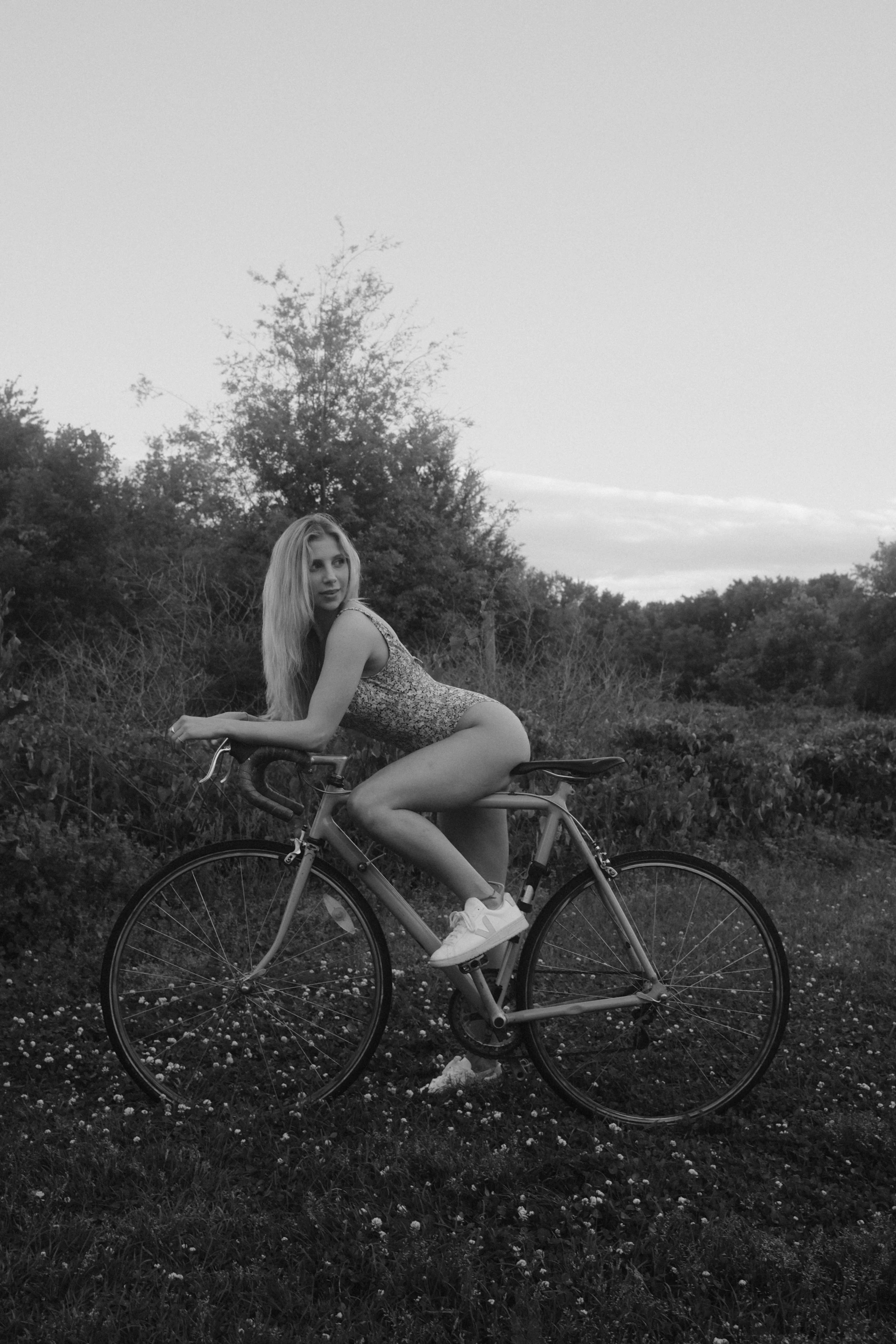
Last week, I had the pleasure of doing a Sunset Beach shoot with my friend Lindsey, where I aimed to achieve a vintage look. To help set the tone and create the mood, I brought some old cameras as props and even bought a 1980s bicycle off of Facebook.
I chose to use my Fujifilm X 100 V camera for this shoot, which is known for its excellent image quality and compact size. The camera comes equipped with a range of film simulations that can be used to create different looks and moods in your photos. For this shoot, I decided to use the Portra 400 and B&W Superia simulations to achieve the desired effect.
Portra 400 Simulation:
Fuji Simulation: Classic Chrome
Dynamic Range: DR400
Highlight: 0
Shadow: -2
Color: +2
Noise Reduction: -4
Sharpening: -2
Clarity: -2
Grain Effect: Strong, Small
Color Chrome Effect: Strong
Color Chrome Effect Blue: Weak
White Balance: 5200K, +1 Red & -6 Blue
ISO: Auto, up to ISO 6400Exposure Compensation: +1/3 to +1 (typically)
B&W Superia
Fujifilm Simulation: Acros (+Y, +R, +G)
Dynamic Range: DR400
Highlight: 0
Shadow: +2
Noise Reduction: -4
Sharpening: -1
Clarity: -4
Grain Effect: Weak, Large
Color Chrome Effect: Strong
Color Chrome Effect Blue: Strong
White Balance: Auto, 0 Red & 0 Blue
ISO: Auto, up to ISO 12800 Exposure Compensation: +1/3 to +2/3 (typically)
Here's another useful tip for creating film-like images in a digital world: consider using a Pro Mist Filter. This filter can make the highlights in your image bloom like an older film image would. Here's the link to the one that I use:
Overall, I was very happy with the results of the shoot. The Fujifilm X 100 V camera performed exceptionally well, and the film simulations and settings helped me achieve the vintage look I was going for. If you're interested in learning more about the camera feel free to shoot me a DM on instagram @Manweath.